WhatsApp Business Flows in 2026: The Future of Customer Conversations
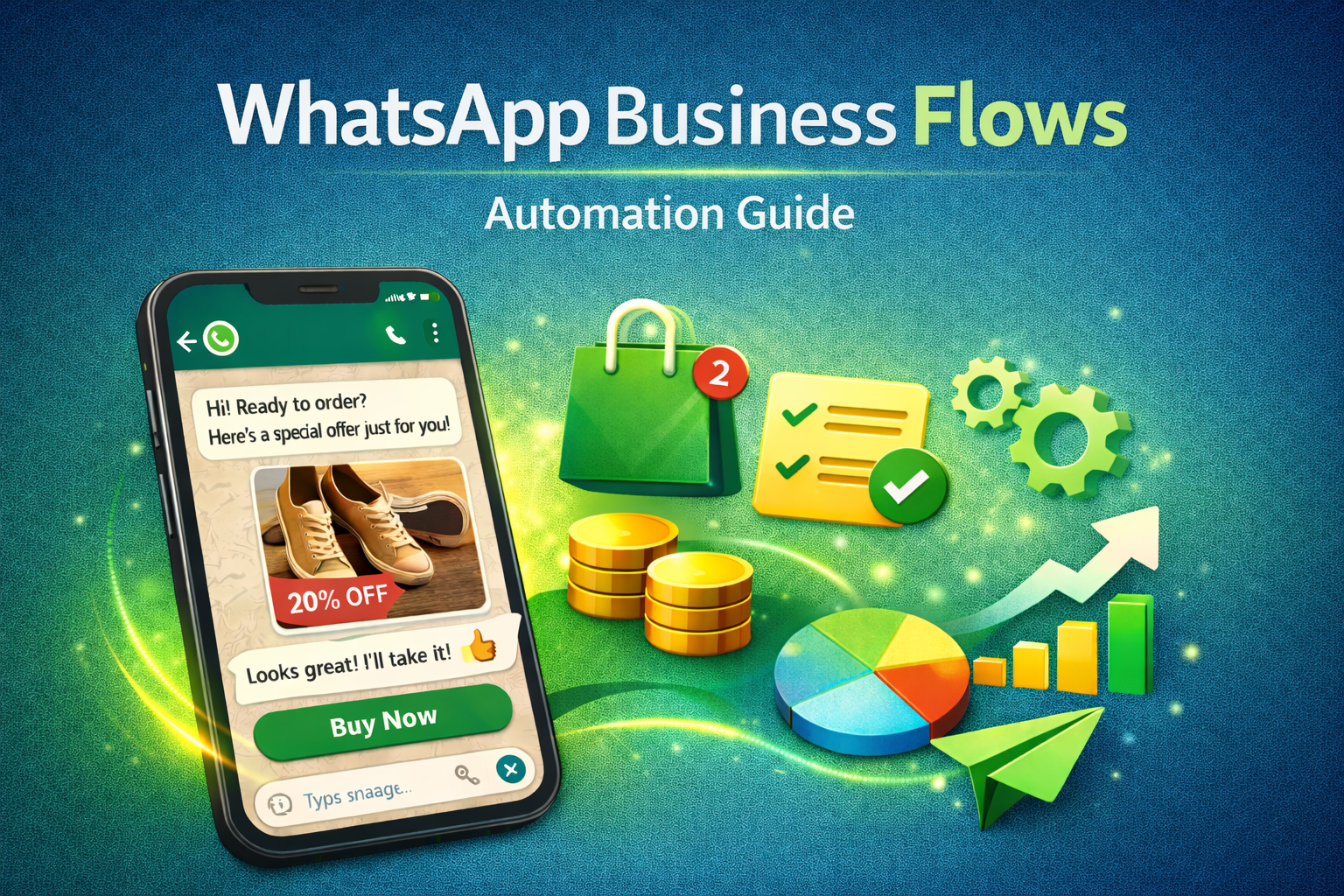
WhatsApp Flows enable businesses to create seamless, app-like experiences directly within a chat right where customers already engage. No need to switch apps or navigate away. The result? Quicker interactions, improved conversion rates, and reduced support overhead.
Imagine being able to design and launch a complete WhatsApp flow in under a day—experiment with different versions, optimize performance, and go live without any coding. With tools like AI-powered agents, this is now a reality.
In this guide, we’ll break down what WhatsApp Flows are, explore multiple ways to build them, and highlight practical use cases that can help your business boost engagement and drive growth.
What do you mean by whatsapp flow
WhatsApp Business Flows guide users through key actions such as exploring products, completing forms, scheduling appointments, placing orders, or sharing feedback all within a single chat. These interactive flows create a seamless, app-like experience, allowing businesses to maintain context from the first message to final payment while driving higher engagement through more intuitive and conversational interactions.
Types of WhatsApp Flows: Static vs Dynamic Experiences
Static Flows:
Static flows are straightforward, form-style experiences designed for structured data collection—such as lead generation, event sign-ups, or capturing product interest. Think of them as Google Forms within WhatsApp, offering a simple and guided way for users to share information. These flows can be built entirely using tools like an AI-powered flow builder, require no backend integration, and support most components (excluding images).
Dynamic Flows:
Dynamic flows deliver a more advanced, website-like experience inside WhatsApp, enabling real-time interactions and data exchange with external systems. They are ideal for complex use cases like appointment booking, order tracking, or transactional journeys. While initial flow structures can be generated using AI tools, dynamic flows require backend integration and final configuration within Meta’s WhatsApp Business Manager to function fully.
Why WhatsApp Leads the Way in Conversational Experiences
With more than three billion active users each month, WhatsApp stands out as one of the most widely used communication platforms globally. It consistently delivers stronger engagement than traditional channels like email and SMS, with businesses experiencing higher message open rates and quicker customer responses.
Ways to Create WhatsApp Flows
BhashSMS enables businesses to create interactive WhatsApp journeys that guide customers step by step from inquiry to conversion—using automation, chatbot logic, and API integrations. Whether you want a quick no-code setup or advanced backend-driven flows, there are multiple ways to build and scale your WhatsApp experiences.
1. Build Quickly with BhashSMS Flow Builder
BhashSMS offers an intuitive no-code chatbot and flow builder that helps you design WhatsApp journeys in just a few hours. You can create structured conversations without needing technical expertise.
What you can do:
- Design step-by-step customer journeys using a visual builder
- Add buttons, quick replies, and logic to guide user actions
- Edit flows instantly and preview before going live
- Start small (2–3 steps) and expand gradually
- Test variations to improve engagement and conversions
Best for: Marketers, small businesses, and CX teams looking for fast, no-code deployment
2. Build Using WhatsApp Manager (Meta Tools)
For businesses that prefer more control, flows can also be configured through Meta’s WhatsApp Manager and Flow Builder. This allows you to design structured flows using templates, validations, and preview tools.
Best for: Teams that want more control over flow design and are comfortable working within Meta’s ecosystem
3. Build with API Integrations (Advanced Setup)
For complex use cases, BhashSMS supports API-based integrations, enabling businesses to create dynamic, data-driven WhatsApp experiences.
What you can achieve:
- Connect WhatsApp with CRM, helpdesk, or order management systems
- Enable real-time data exchange (e.g., order status, availability)
- Automate workflows like bookings, payments, and notifications
- Scale communication with backend-driven logic
Best for: Businesses needing advanced automation, personalization, and system integrations
Which Method Should You Choose?
- Need a quick and simple flow live fast → Use BhashSMS Flow Builder
- Prefer structured design with templates → Use Meta Flow Builder
- Need advanced automation and integrations → Use API-based flows
Pro Tip: Start with a simple flow (2–3 steps), track performance, and continuously optimize for better results.
Key Components of WhatsApp Flows
BhashSMS enables you to create interactive, app-like experiences using the following elements:
1. Input Fields
- Text inputs for names or responses
- Number fields for IDs, quantities, or phone numbers
- Email validation fields
- Structured fields for dates or specific formats
2. Selection Options
- Single-choice buttons
- Multi-select options for preferences
- Dropdown-style selections for longer lists
3. Scheduling & Transactions
- Date and time selection for appointments
- Quantity selection for orders or services
- Booking and rescheduling workflows
4. Navigation & Actions
- Step-by-step navigation (Next/Back)
- Submission triggers for confirmations
- CTA buttons for external links or support
5. Media & Dynamic Content
- Images and rich messages to showcase products
- Dynamic data pulled from backend systems (for API-based flows)
Requirements to Get Started
Before building WhatsApp Flows with BhashSMS, ensure the following:
- A verified WhatsApp Business account
- Compliance with opt-in and messaging policies
- Good quality rating to maintain message delivery
- Approved message templates for outbound communication
- Awareness of regional feature availability (e.g., payments)
- Adherence to data privacy regulations
Step-by-Step Implementation Checklist
Follow this checklist to launch your WhatsApp flows smoothly:
- Complete WhatsApp Business account setup and verification
- Onboard with BhashSMS WhatsApp API services
- Choose your preferred flow-building method
- Design and structure your flow journey
- Test thoroughly, including edge cases and user paths
- Integrate backend systems if required
- Launch using entry points like click-to-WhatsApp ads or links
- Track performance metrics such as engagement, completion rates, and conversions
- Optimize flows regularly based on insights
Top WhatsApp Flow Use Cases and Business Impact
1. Lead Generation
Capture and qualify leads by asking the right questions in a structured flow. You can progressively collect details like name, contact information, and preferences, and automatically route high-intent prospects to your sales team.
How to build with BhashSMS:
- Create a simple multi-step flow to collect user details
- Use quick replies or input fields for responses
- Trigger automated follow-ups or assign leads to your CRM
2. Appointment Booking and Reminders
Simplify scheduling by allowing customers to choose dates and time slots directly within WhatsApp. Confirm bookings instantly and send automated reminders or rescheduling options to reduce no-shows.
3. Account Access and Management
Enable users to securely manage their accounts through WhatsApp. From password resets to updating personal details or preferences, structured flows make these processes faster and more user-friendly.
4. Surveys and Customer Feedback
Gather insights by collecting ratings, reviews, and feedback in a conversational format. Using simple inputs like buttons, stars, or quick replies increases completion rates and provides valuable customer data.
5. Quotes and Subscription Renewals
Streamline processes like generating quotes or renewing subscriptions by collecting required information step by step. You can pre-fill known details, confirm updates, and share confirmations or invoices within the chat.
Managing and Scaling WhatsApp Flows with BhashSMS
As your use of WhatsApp grows, managing multiple flows efficiently becomes essential.
Centralized Control:
BhashSMS provides a unified dashboard where you can create, monitor, and manage all your flows in one place. Easily publish new journeys or update existing ones as your business evolves.
Easy Deployment:
Reuse flow structures, templates, and configurations to speed up new campaign launches without starting from scratch.
Access & Governance:
Control user access, manage approvals, and maintain version history to ensure consistency and smooth collaboration across teams.
Close the Loop with In-Chat Payments
Take the customer journey one step further by enabling payments directly within WhatsApp conversations. This reduces friction and allows users to complete transactions without leaving the chat.
- Faster checkout experience
- Improved conversion rates
- Seamless order tracking within the same conversation
Availability and Compliance
WhatsApp Payments is currently supported in select markets such as India and Brazil, and may require KYC verification and compliance with local regulations. Always ensure your setup aligns with regional policies and data privacy requirements.
Measuring and Optimizing WhatsApp Flow Performance
Once your WhatsApp flows are live, tracking performance is essential to refine the experience and improve results at every stage of the customer journey.
Key Metrics to Track
Focus on metrics that directly impact engagement and outcomes:
- Message open rates and click-through rates (CTR) for entry points
- Step-wise completion rates and where users drop off
- Conversion rate, average completion time, and customer satisfaction (CSAT/NPS)
- Resolution rates and reduction in agent workload for support-related flows
Test, Learn, and Improve
Continuous optimization is key to better performance:
- Run A/B tests on messaging, layouts, and number of steps
- Simplify forms by reducing unnecessary fields
- Improve CTAs to make actions clearer and faster for users
Maintain Quality and Compliance
- Monitor message performance and user feedback
- Handle opt-outs properly and avoid over-messaging
- Keep content relevant to maintain a high-quality rating, ensuring better reach and delivery
Measure ROI Effectively
Evaluate the business impact of your flows by tracking:
- Revenue generated from completed journeys
- Cost per conversation or interaction
- Time saved through automation vs manual support
- Scale what works and phase out underperforming flows to maximize efficiency.
Choosing the Right Approach: Flows vs Chatbots vs Templates
Understanding when to use each tool helps you design better customer experiences:
- Flows vs Chatbots:
- Use flows for structured, step-by-step processes like bookings or form submissions. Use chatbots for open-ended conversations, FAQs, or routing queries. Combining both creates a seamless journey.
- Flows vs Templates:
- Templates are best for initiating conversations (outbound messages), while flows are ideal for completing actions within the chat.
- Flows vs Webviews:
- Use flows for quick, frictionless in-chat experiences. For highly customized interfaces or complex visuals, webviews or external apps may be more suitable.
Pricing and Cost Considerations
Planning your budget helps you scale efficiently:
- Flow Creation: Building flows using tools like BhashSMS or Meta interfaces typically has no direct cost.
- Messaging Costs: Charges apply based on message type and region (marketing, utility, authentication, etc.).
- Cost Optimization:
- Limit unnecessary steps
- Use targeted messaging
- Optimize flows to improve completion rates
A well-optimized flow reduces cost per conversion while improving overall ROI.
Future Trends in WhatsApp Flows
The evolution of WhatsApp flows is being driven by automation and AI:
- AI-Driven Personalization:
- Businesses can tailor conversations dynamically based on user behavior, preferences, and intent.
- Expanding Features and Availability:
- More components, richer interactions, and wider global availability are continuously being introduced.
- Automated Optimization:
- AI tools can analyze performance, identify drop-offs, and recommend improvements, enabling continuous enhancement of flows without manual effort.
Conclusion
WhatsApp Business Flows, when powered by BhashSMS, enable businesses to turn everyday conversations into structured, high-converting customer journeys. From capturing leads and managing bookings to handling support and driving transactions, BhashSMS makes it easy to build and scale these experiences without heavy technical effort.
With features like no-code flow builders, automation, and seamless integrations, businesses can deliver faster responses, personalized interactions, and a smoother overall customer experience—all within WhatsApp. This not only boosts engagement but also helps reduce operational workload and improve efficiency.
By leveraging BhashSMS and continuously optimizing your flows based on performance insights, you can transform WhatsApp into a powerful growth channel that drives conversions, builds trust, and enhances long-term customer relationships.
FAQ
1. What is a WhatsApp Flow?
WhatsApp Flow is a feature that allows businesses to create interactive, step-by-step customer journeys within chats to collect data, qualify leads, and automate conversations.
2. How to set up WhatsApp Flow?
To set up WhatsApp Flow, you need access to WhatsApp Business API through a provider. Then, use a flow builder to design interactive steps, integrate with your system, and deploy it.
3. How do I send 2000 messages on WhatsApp?
To send 2000 messages, you need WhatsApp Business API, which allows bulk messaging using approved templates while following WhatsApp’s policies and consent requirements.
4. When was WhatsApp Flows released?
WhatsApp Flows were officially introduced by Meta in 2023 as part of WhatsApp Business platform updates to enable interactive and automated customer experiences.
Recent Posts



We're Here to Help, Anytime!
Our team is available 24/7 to assist you! Whether you have a question or need a custom solution, we're just a call away
- ✅ Instant Support & Free Consultation
- ✅ Tailored Messaging Solutions for Your Business
- ✅ Fast, Reliable, & Scalable Communication